From First Question to
Qualified Simulator Project
See how SimFlow guides a customer from an empty room and a few questions to a personalized simulator project — ready for your sales team.
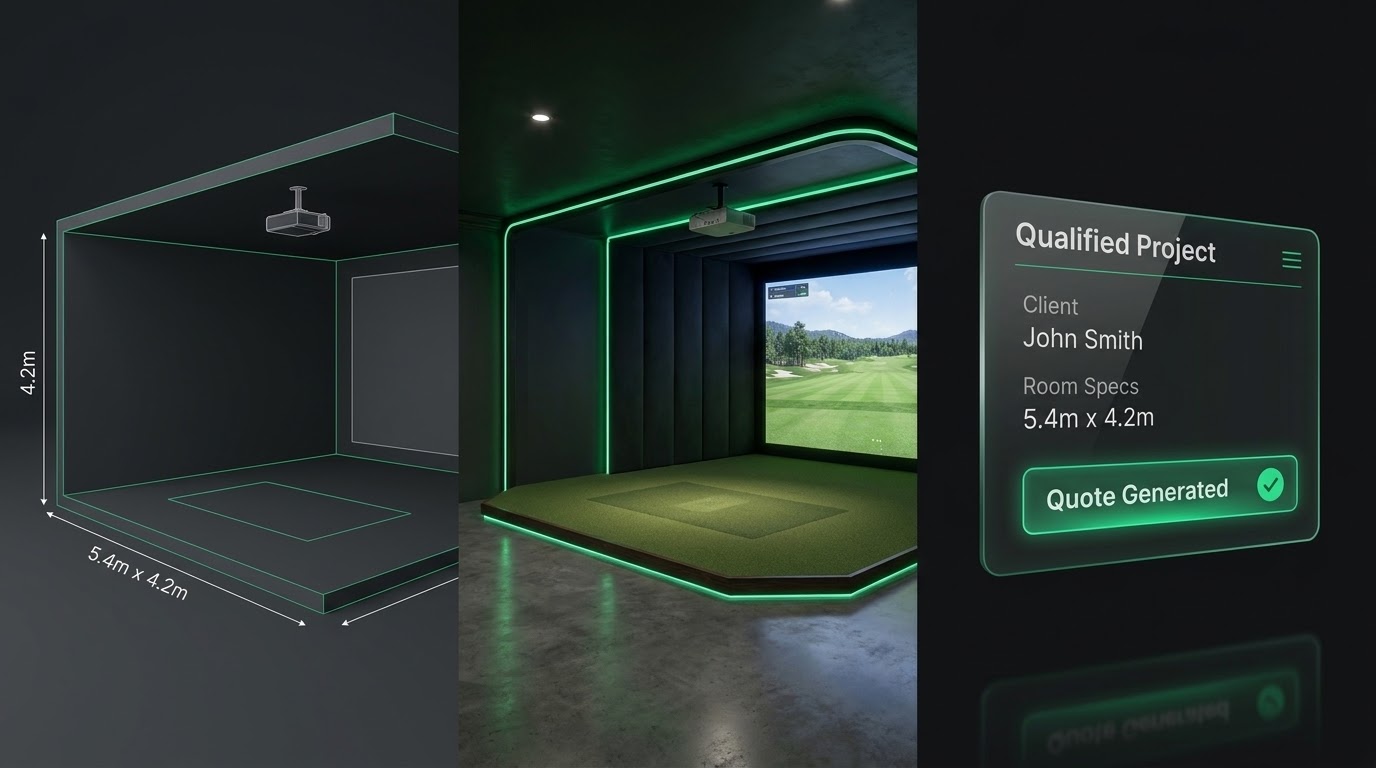
It starts with the
customer's room
Instead of asking customers to figure out which products they need, SimFlow starts by understanding what they are trying to build.
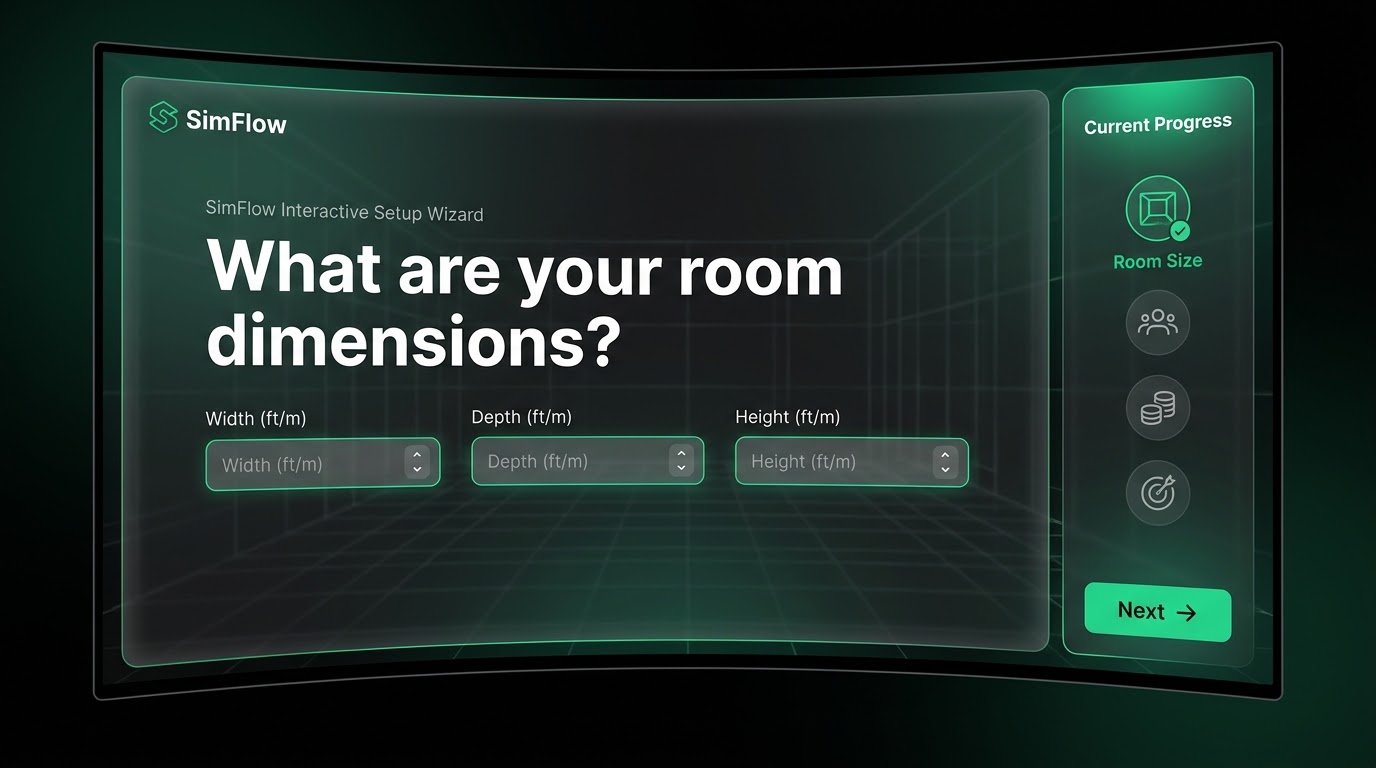
The right questions create the Right Project
The customer doesn't need to understand every technical specification. SimFlow turns their answers into a project structure.

From requirements to a suitable setup
SimFlow instantly maps the customer's defined requirements to the correct products from your catalogue, ensuring compatibility and appropriate scaling based on your retailer rules.
Now the customer can see it

Questions get answered while the customer is still shopping
Instead of bouncing to contact support and abandoning the cart, customers can ask questions specific to their generated setup and get instant answers based on your approved knowledge base.

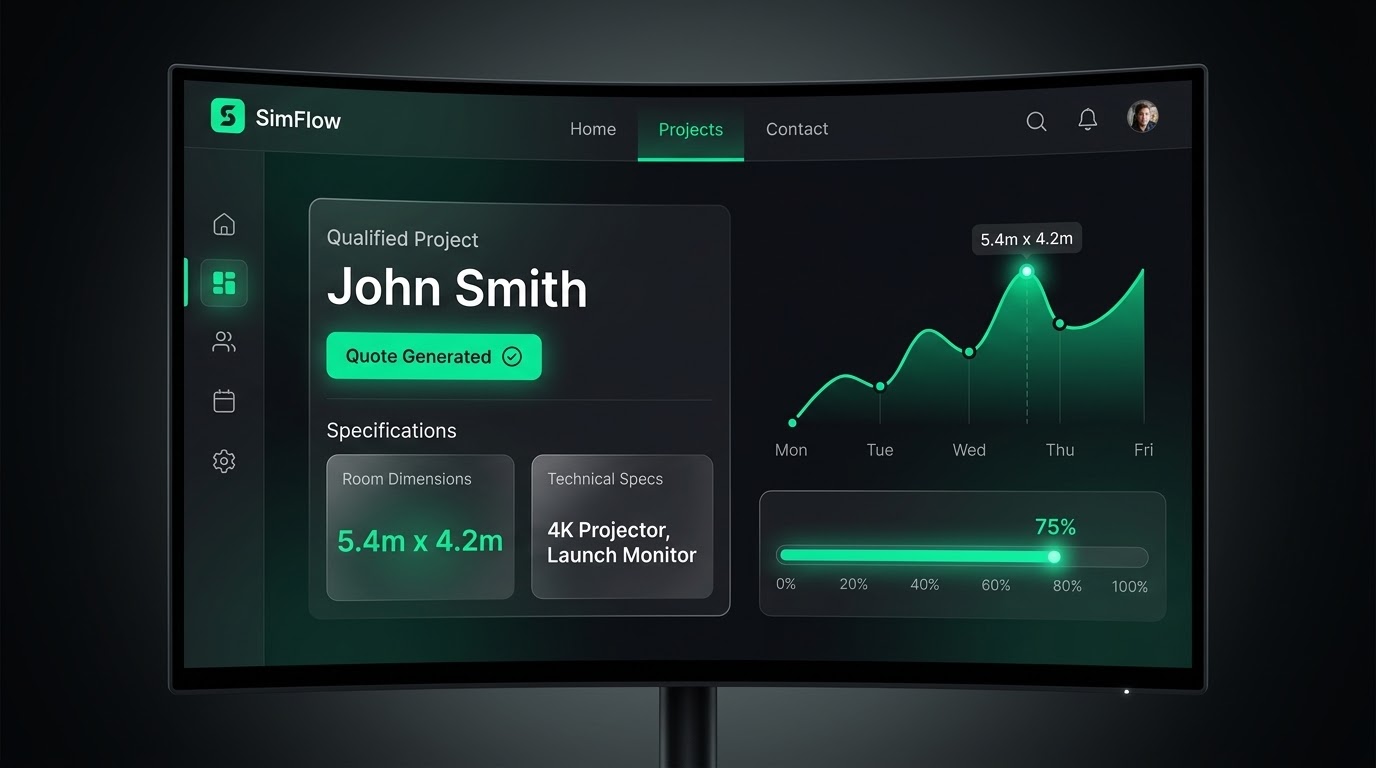
The customer doesn't just
submit a form
They generate a tangible, highly professional, instantly customized PDF proposal that builds trust and sets the standard before they even speak to your team.
Your sales team receives the full picture
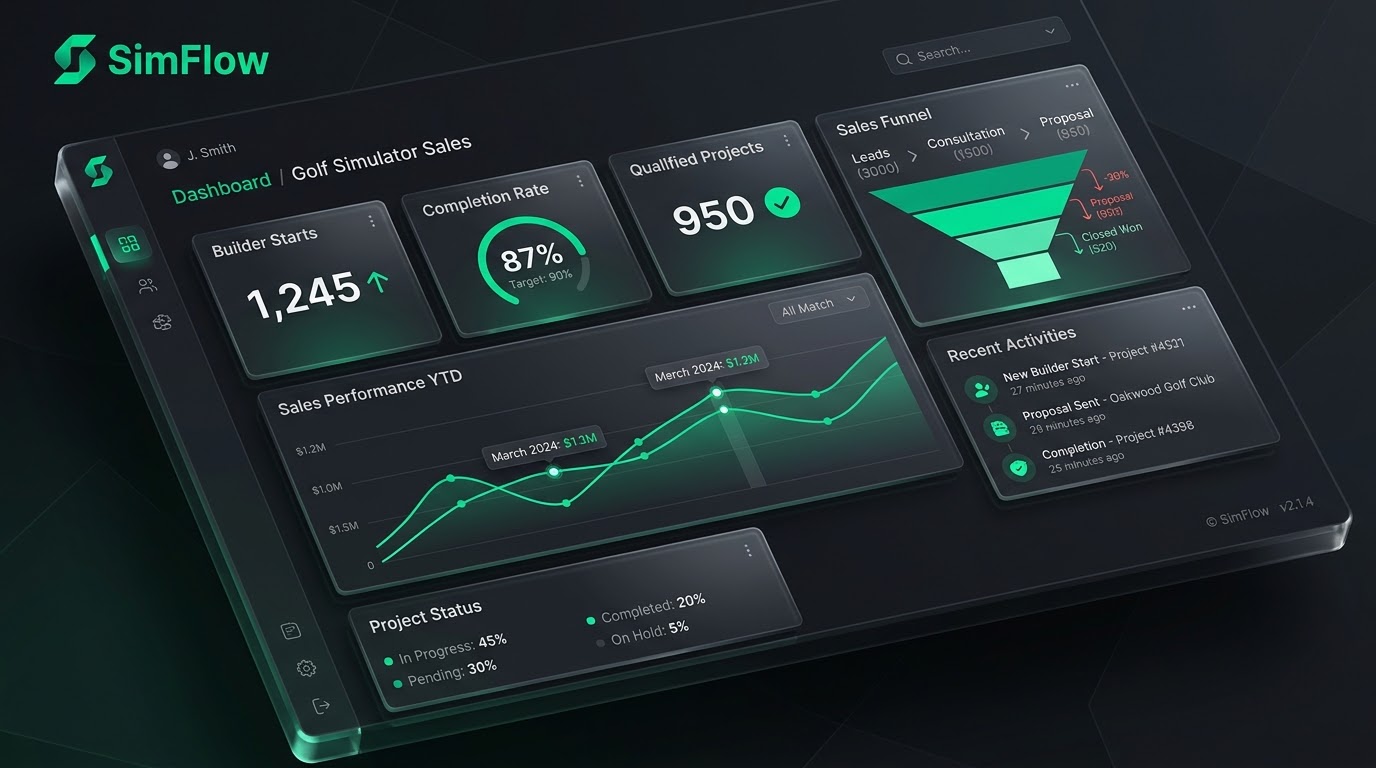
Not another lead. A qualified project.
The project continues after the sale
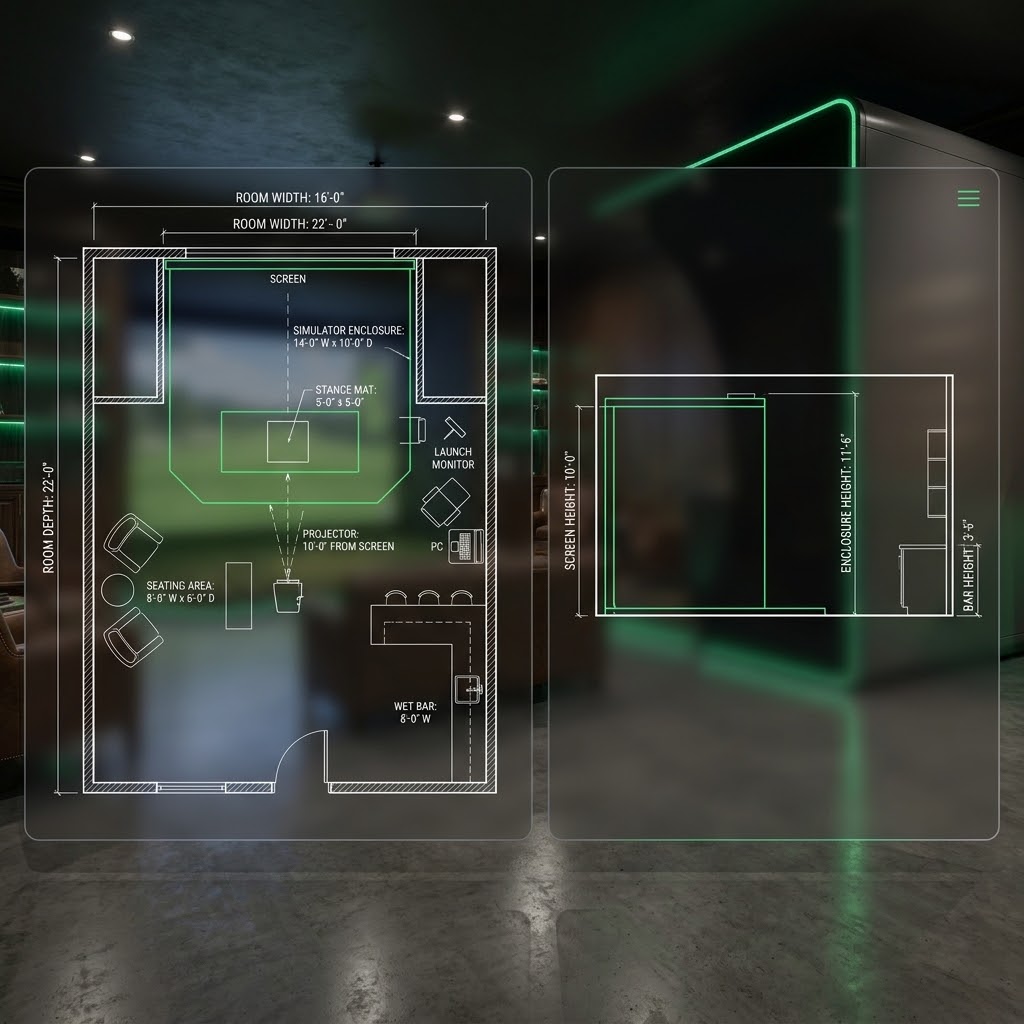
Because SimFlow captured the exact room dimensions and equipment configuration upfront, it automatically generates 2D technical layouts for your installation team, bridging the gap between sales and execution.