Platform / Configurator
A Golf Simulator Configurator Built Around Your Catalogue
Customers answer a few questions about their room, their players and their budget. SimFlow turns the answers into a simulator setup from your own products, checked against your rules.
What it does
The right questions, then the right setup
Guided questions
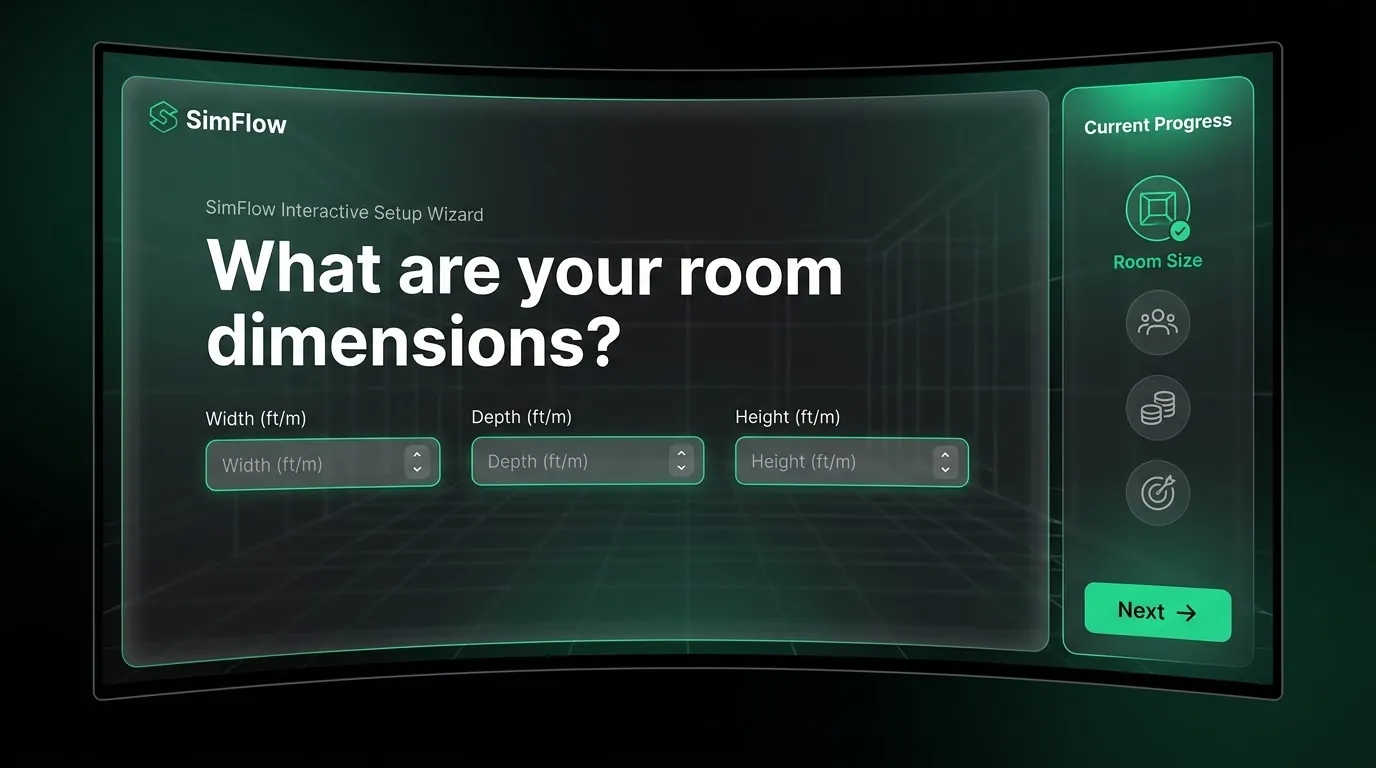
Room width, depth and ceiling height, number of players, handedness, goals and budget. Customers never have to read a spec sheet.
Your rules
Compatibility, configuration rules and install requirements are set by you, so every recommended setup is one you would sell.
Your catalogue
Products, prices and curated packages come from your own range and change when your range changes.
How it works
From an empty room to a configured project
- 01Describe the roomThe customer enters dimensions and ceiling height, who will play and what they want from the simulator.
- 02Match the productsSimFlow maps those requirements to compatible products from your catalogue, following your rules.
- 03Review the setupThe customer sees a suitable setup and package, then carries on to visualise it and get a quote.
What you control
The platform is standard. Your sales logic is yours.
- Products and prices. Your full catalogue and your pricing.
- Packages. Curated bundles you want customers to see first.
- Compatibility. Which components work together, and which do not.
- Questions. The intake flow can be adjusted to how you qualify customers.
- Install requirements. Rules that pre-qualify a space before a quote goes out.
Not sure which room measurements to ask for? Our installation guide lists the ones that decide what fits. New to the term? Read what a golf simulator configurator is, or how SimFlow compares with a general 3D product configurator.
Connected